Viterbi VDI Notifications List
Subscribe to Viterbi VDI Notifications
This page explains how to subscribe to the Viterbi VDI Notifications mailing list. Subscribing ensures you receive important updates about Virtual Desktop Infrastructure (VDI), including maintenance notifications, service interruptions, and system updates.
Follow the steps below to join the mailing list.
How to Subscribe
Step 1: Click the yellow "Subscribe to the Viterbi VDI Notifications List" button provided below.
Step 2: When filling out the form, make sure to include your full name (First/Last) and USC email address in the required fields.

Step 3: Click the “Subscribe” button to submit your request.

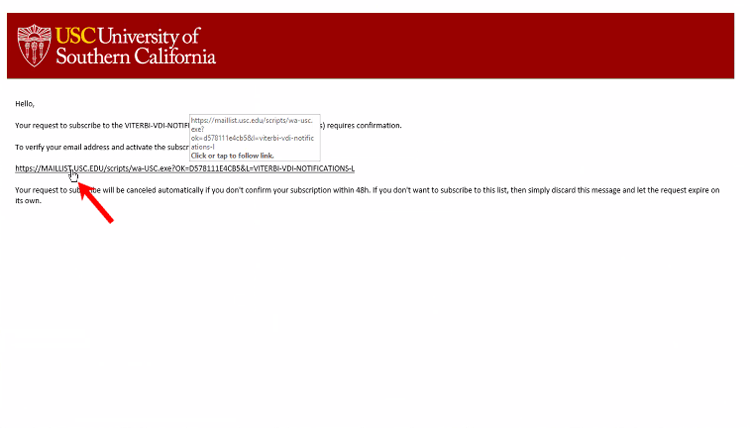
Step 4: Check your email for a confirmation message, and click the confirmation link in the email to complete your subscription.